



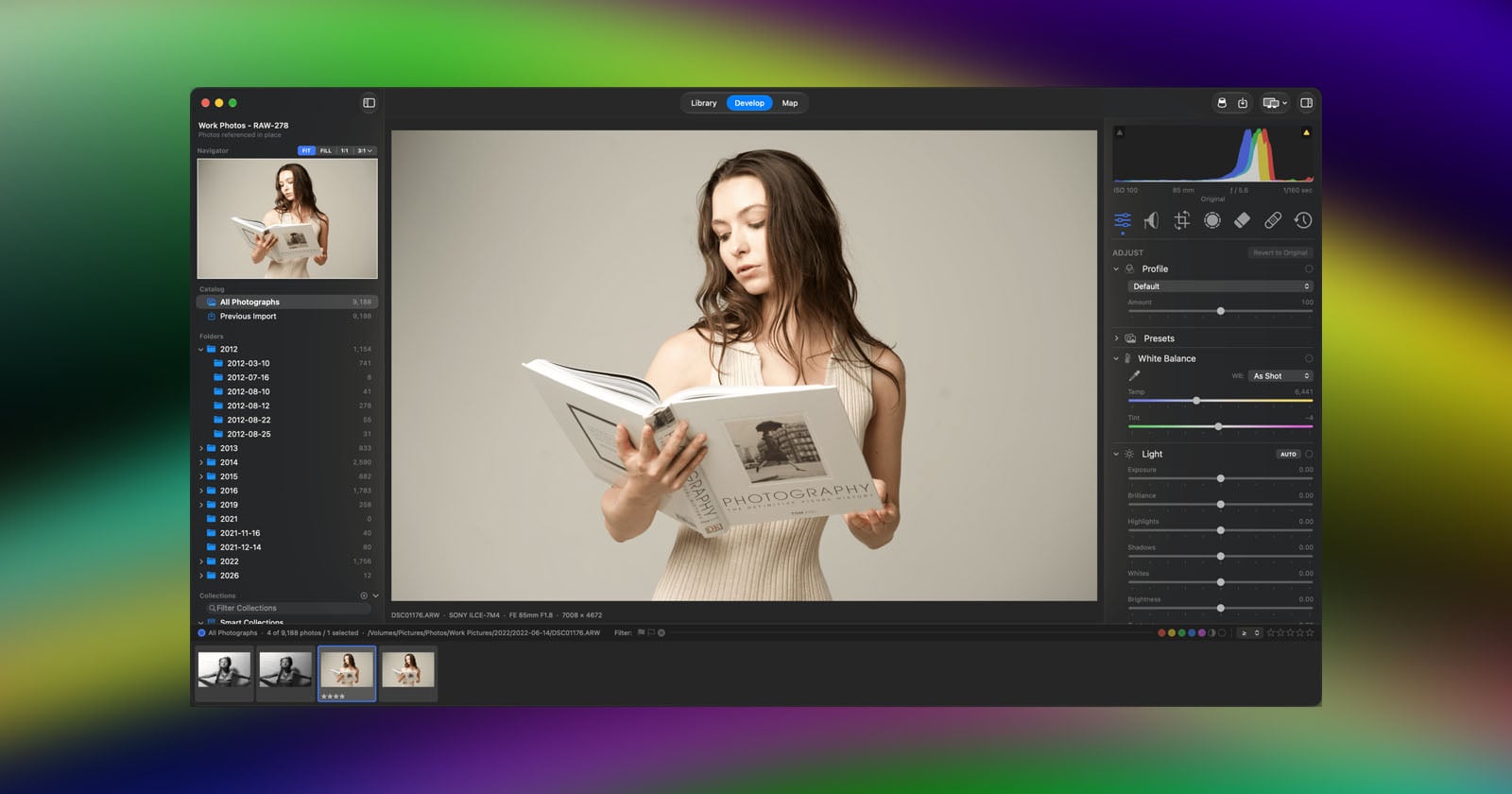
PixelLoupe is a free, open-source photography app built natively for macOS that promises many of Adobe Lightroom’s photo editing and asset management tools.
Photographers routinely look for Adobe Lightroom alternatives for their RAW photo organization and processing needs, hoping to avoid Adobe’s subscription fees. On Mac, many also miss Aperture. PixelLoupe aims to answer both calls as a Lightroom alternative that channels Apple’s defunct software.
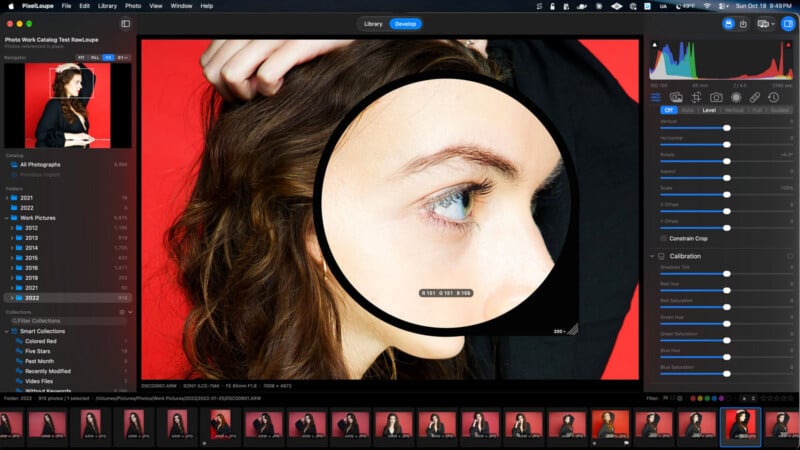
Billed as “the spiritual successor to Aperture and Lightroom,” PixelLoupe is currently on version 1.4.2 and is compatible with macOS 27 or later. Its overall layout closely mirrors Adobe Lightroom Classic, offering separate Library and Develop modules, a wide array of RAW editing sliders, folder-based hierarchies, local adjustments, AI-powered tools, and presets. The app is built on Apple’s own RAW image engine, Core Image, and its Metal graphics and compute API.
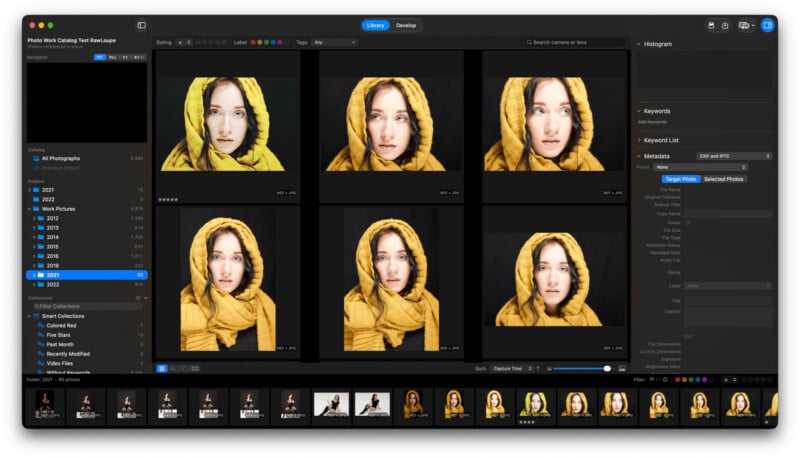
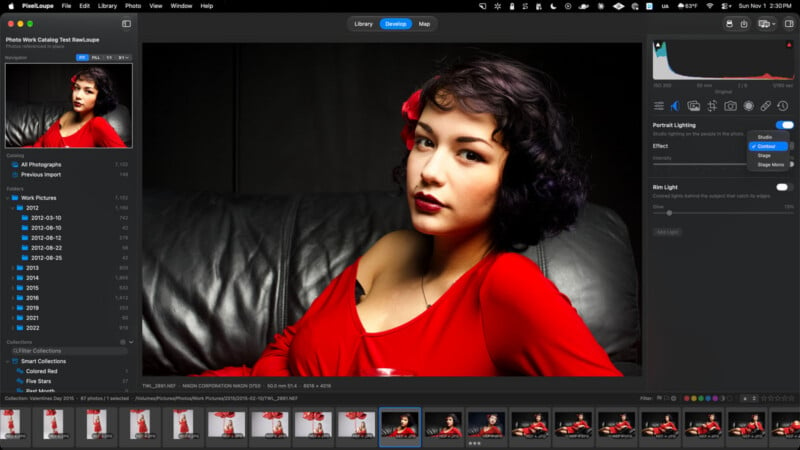
PixelLoupe promises non-destructive RAW processing, organizational features like catalogs and collections, ratings and flags, keyword and IPTC metadata support, and advanced image adjustments. It even lets users import their Lightroom Classic catalogs, preserving valuable presets, camera profiles, and smart collections. Assuming the accompanying .xmp files are present, basic image edits carry over, too. Lightroom users will also find PixelLoupe’s keyboard shortcuts familiar, as they remain unchanged.
Beyond essential adjustments like sliders, tone curves, and HSL controls, the latest version of PixelLoupe includes AI-powered Assisted Culling, one-click subject selection and masking, and AI relighting.
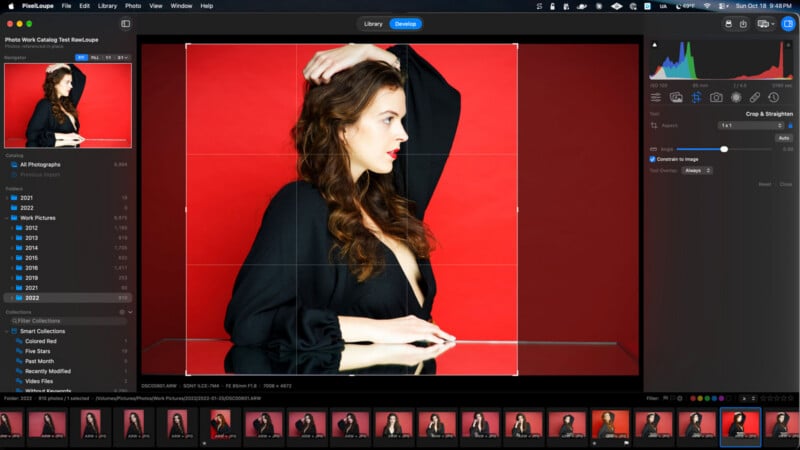
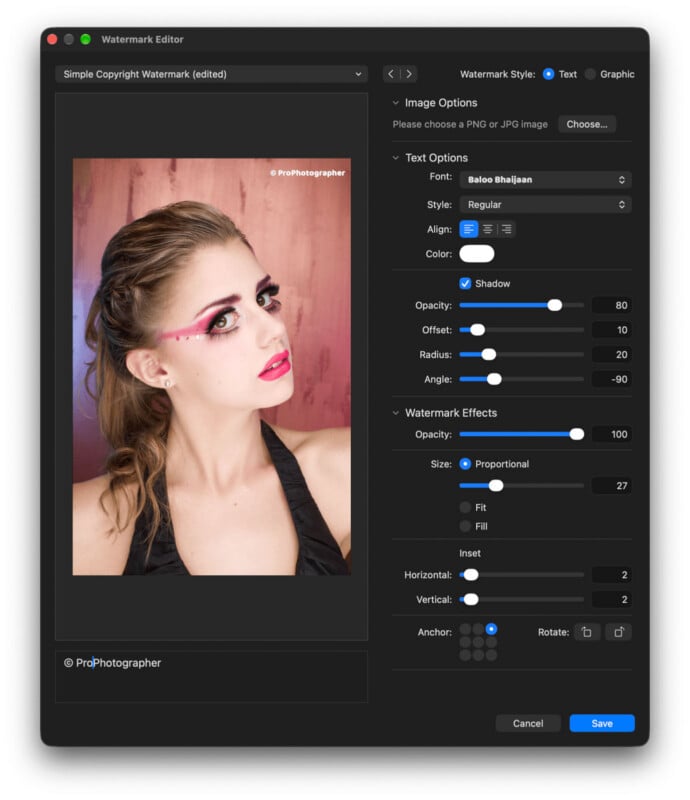
The app also includes more specialized tools, such as photo merging for focus stacking, panoramas, and HDR photography, alongside a web gallery builder for easy online sharing. That is an impressive feature set for a completely free program. Because it is open source, users can also modify and tinker with the software as they see fit.
There are some caveats to consider, though. PixelLoupe is a solo-developer project that launched just last month, meaning its development was almost certainly heavily aided by AI coding tools. The Github page specifically mentions Claude, a go-to AI tool for solo devs. While AI-assisted coding is commonplace even among major, established developers these days, it’s understandable that some users may be wary of upstart projects like this.
The app’s newness also means there is a risk that some features won’t work as expected. On the plus side, it’s free, so trying it carries no financial risk. Open-source photo editing apps have been popular for a long time, and there are plenty of interesting choices on macOS these days, including the well-known app Darktable. Another popular option is RawTherapee. PetaPixel also maintains a guide to the best free RAW editing programs available, which will be updated early next year.
Until then, photographers are welcome to try PixelLoupe to see if it fits their workflow on macOS 27. It’s available through Pixegen and on GitHub.
Image creditsPixelLoupe. Header photo created using an asset licensed via Depositphotos.com.
Affiliate Disclosure PetaPixel articles may include affiliate links; we may earn a commission if you buy through one.