

People have been asking for better and more intelligent masking in Luminar for a long time now, and Luminar has responded with cutting-edge features that will make editors happy.
According to parent company Skylum, masks are now integrated into every tool, stay editable, combine for greater precision, and adapt to each new scene, so photographers can spend their time on the photograph rather than on the selection.
What Has Changed With the New Masking Tools?
- Tool-based masking means selective adjustments are an integral part of every edit rather than a separate step. Advanced masking becomes a natural part of the creative process without a learning curve.
- Editable masks leave room for experiments. Masks are no longer locked once an adjustment is applied. Photographers can reopen and refine any mask at any stage of the edit and find every masked edit by name in the Edits panel.
- Several selections, one mask. Add, Subtract, and Intersect combine selections into one precise mask, for example, to brighten only the grass in the foreground.
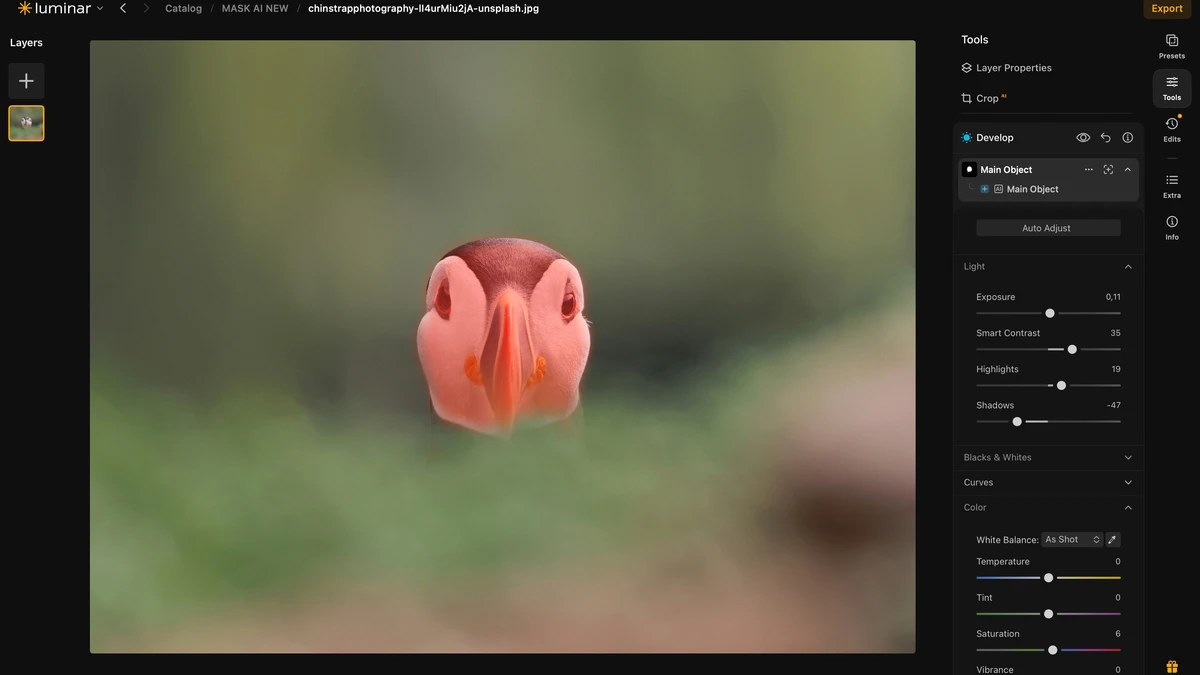
- Smarter selective editing of subjects brings easy and precise masking to previously time-consuming selections with new Main Object, Background, and Animal masks. Improved Sky, Water, Human, and Transport masks give cleaner edges with less manual brushing.
- Masks that adapt to each photograph. Masks can be copied between edits, layers, and photographs.
- Presets that respect every scene. Presets now carry their masks and adapt them for each photograph, so you can apply a selective look across a whole series.
- Background Removal, simplified. Background Removal is now a single tool in Layer Properties. It is powered by the improved Main Object model, which gives cleaner edges around hair and fine details.
Trying It Out
I’ve had a beta copy of what’s about to be released and found the changes welcome and important. I like the fact that now every editing tool has a masking command with extensive tools built in. Masks can be added, subtracted, and intersected. For example, even the Enhance AI tool can be used selectively, so the whole image doesn’t get enhanced.
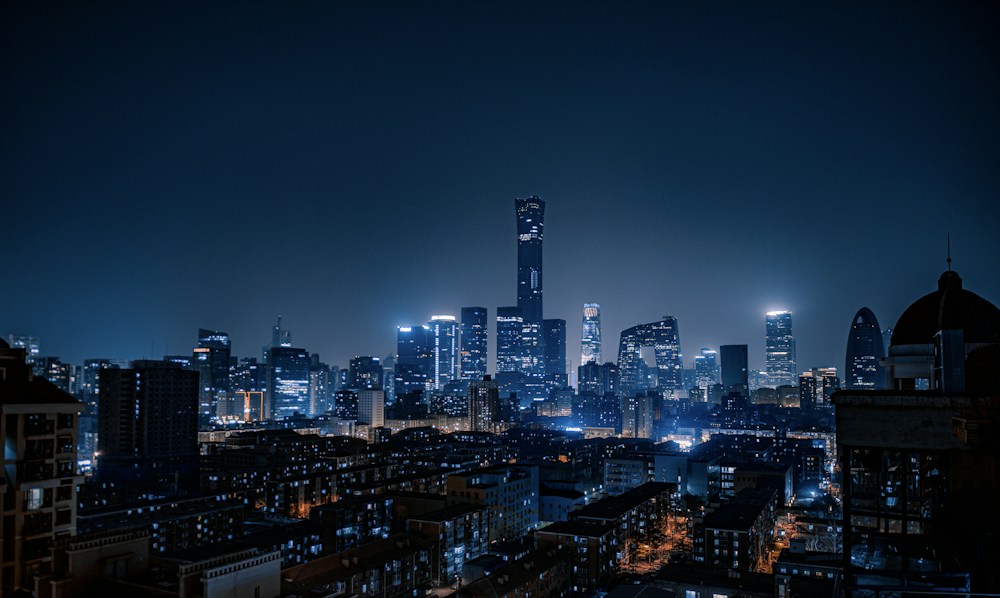
In this example, I’m using the AI to select architecture in my image, then the Structure AI tool to selectively add detail to the buildings.
Even better, these new tools are not difficult to use, and current Luminar users will be able to get started right away.
Selective masking can have a big impact on an image, making what might be a mundane image quite compelling. Here’s a good example of a before image:
And here’s the same image using the improved masking tools:
Are these breakthroughs? No, but they put Luminar in the same masking ballpark as the other highest-tier image editors, which is a positive for Luminar users.
I used several Luminar tools, including the Structure AI masking shown above, on an image I took at the Mescal movie set in southern Arizona.
Here’s the original:
And here’s a quick edit using the new masking tools, a mild sky replacement, adjustment of shadows using selective masking, and some masked color correction:
Quick and easy, but worthwhile.
How to Get Luminar
These new masking tools are part of the Luminar fall update, which starts rolling out to existing customers today, November 25. It works on Windows and Macs, and current users should get an automatic notice of the update. Photographers and editors who don’t use Luminar might find these new features an enticing addition to an already mature and sophisticated editing tool.
For more information, visit the Skylum website.